

Shared lists. Your server.
Shared tasks, shopping and routines for households and small groups. Self-hosted, with offline sync and web, mobile, desktop and terminal clients.
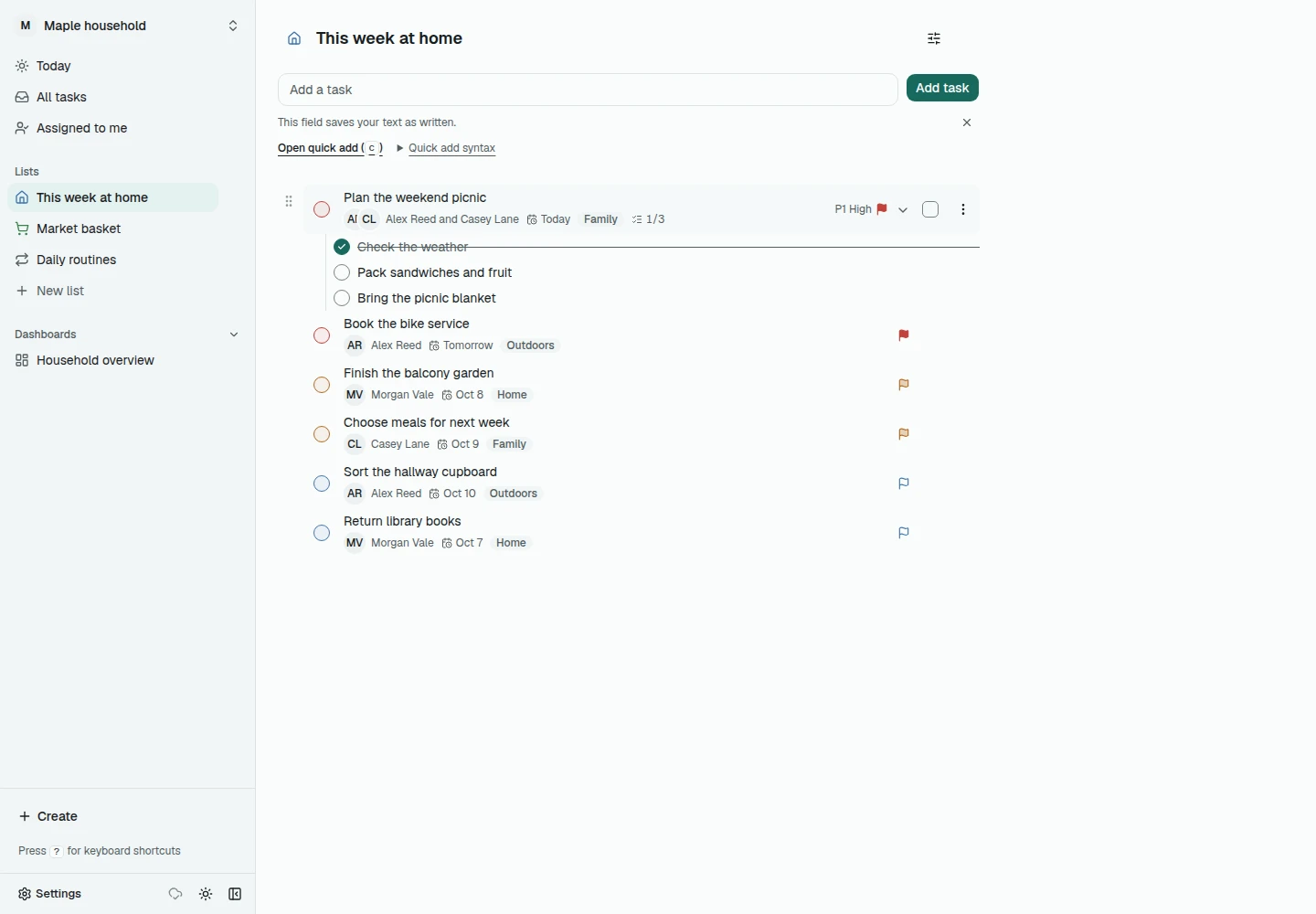
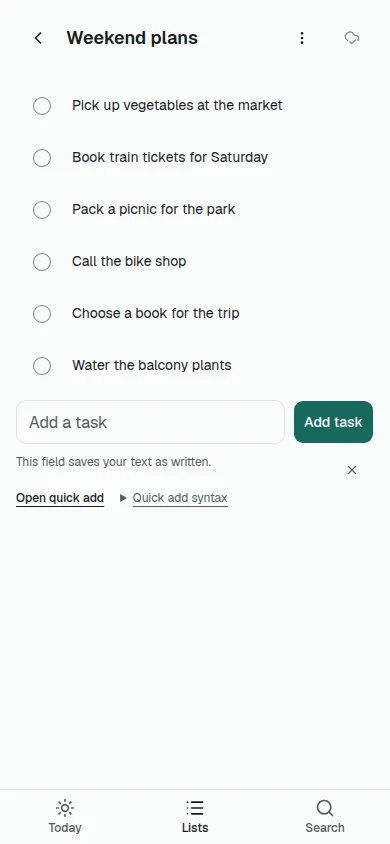
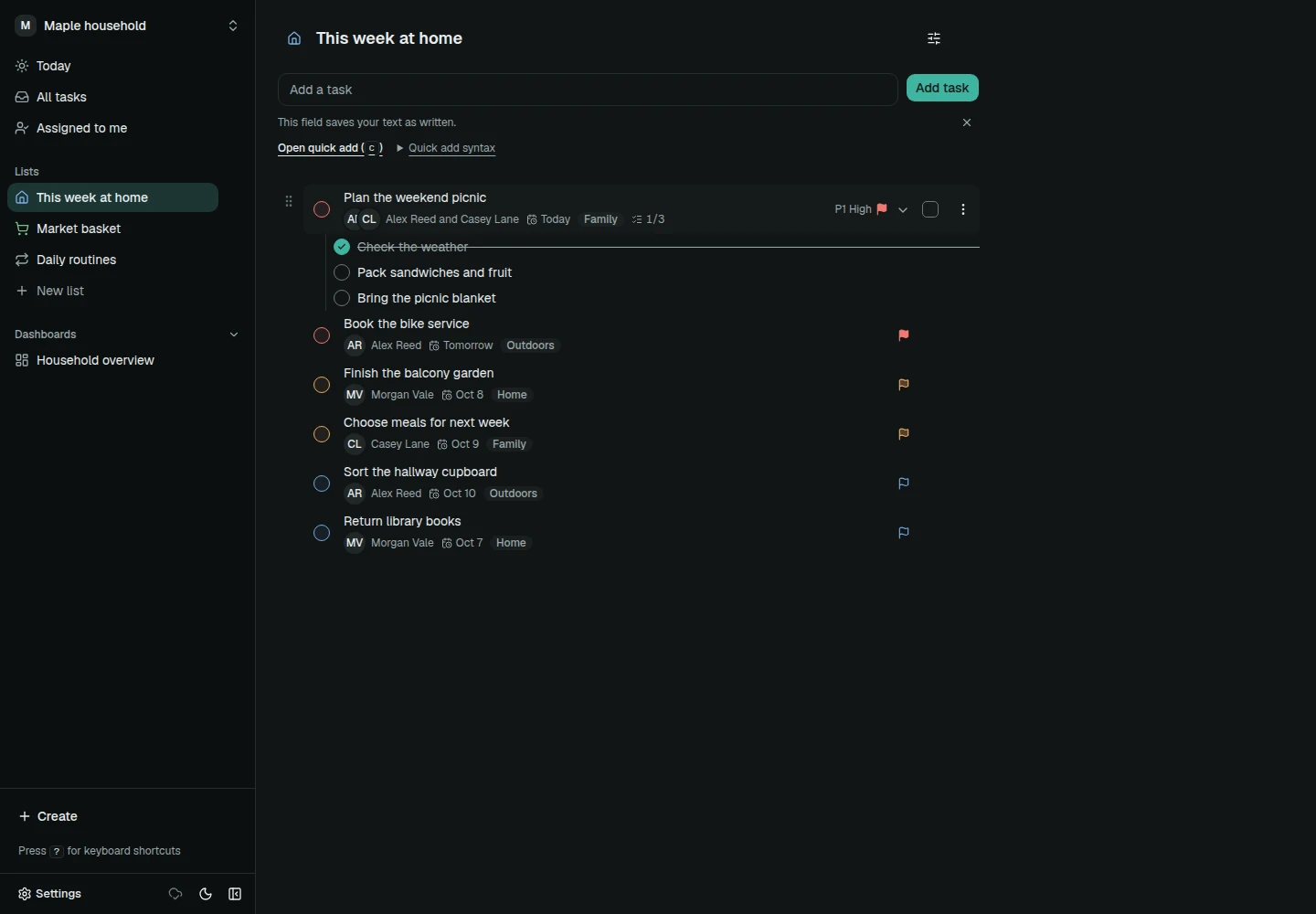
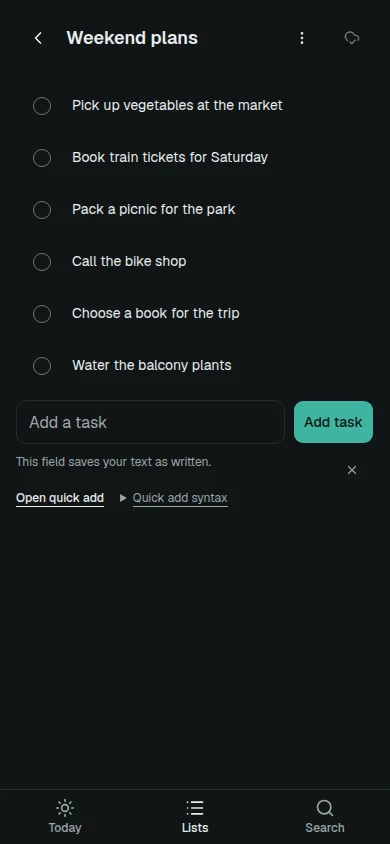
Early alpha. Latest release: v0.0.1-alpha.2. MIT licensed.
What Ditero does
Lists and tasks for people who share a home, a club or a small team.
- Shared lists
- Create lists for shopping, projects and checklists in a shared workspace, and assign each task to someone.
- Chores and habits
- Set up recurring tasks and reminders for chores and habits, and assign them to members of the group.
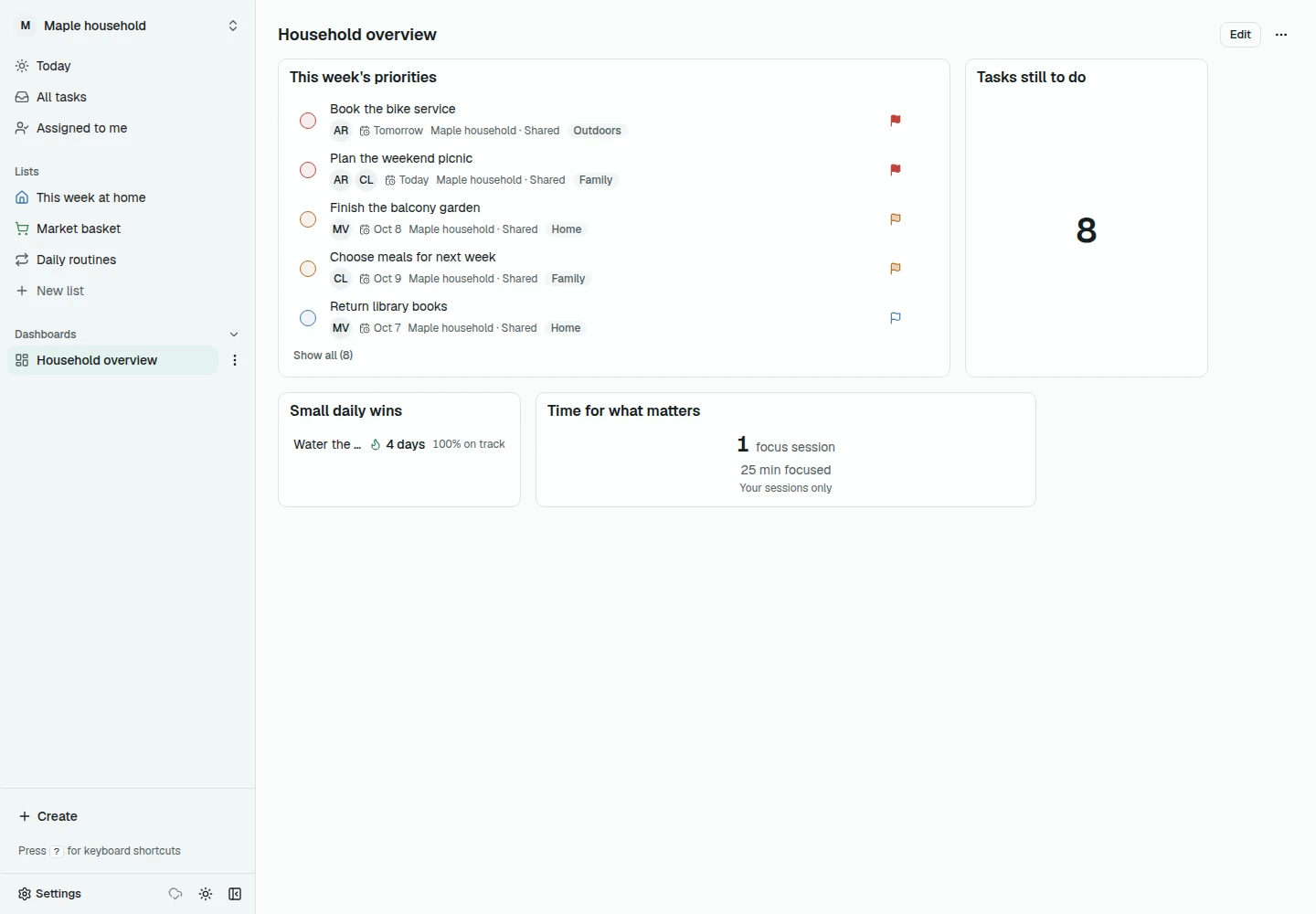
- Dashboards
- Keep track of open and upcoming tasks from your lists on dashboards.
- Comments and attachments
- Discuss a task in comments and keep files with it. Attachments are encrypted.
- Offline sync
- Keep working without a connection. Changes sync when you reconnect.
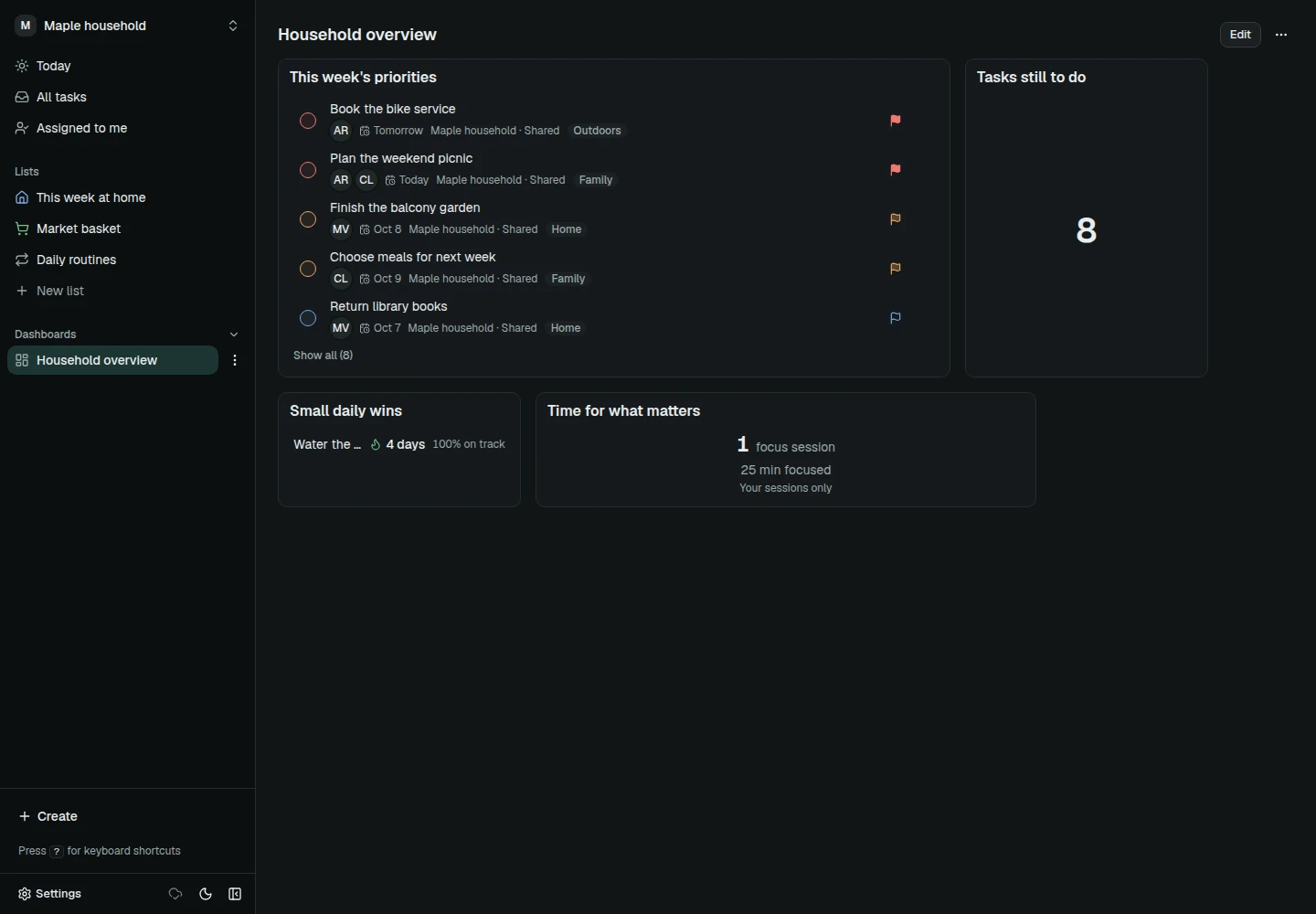
- Languages and themes
- Six interface languages plus light and dark themes: English, German, Spanish, French, Romanian and Arabic (right to left).
Ask your assistant to plan it
Connect a compatible AI assistant to Ditero through MCP, then describe what you need in plain language. The assistant creates and organizes tasks and can set priorities and due dates.
Plan Saturday's picnic, assign the shopping, and mark booking the train as high priority.
This is an example of a request, not a recorded conversation.
- It is an external assistant that you connect. Ditero has no built-in chatbot and does not host any AI model.
- Your MCP client decides where results and conversations go. Use a client you trust.
- Access follows the personal access token you provide and the workspace memberships it has.
- MCP is in the development source and nightly builds, not in the alpha downloads.
Apps and tools
Your Ditero server is the shared place. These are the ways to reach it. The public alpha release includes the web app and Android and desktop downloads. The command-line, terminal, API and MCP tools are in the development source.
In the public alpha release
- Web appAlpha
- Use the web app in a current browser and install it from there. Changes made offline sync when you reconnect. Setup guide
- AndroidAlpha
- Signed, independent Android downloads. Release page
- DesktopExperimental
- Windows installers are unsigned and macOS builds are ad-hoc signed. Platform qualification is not complete. Release page
- iOSNot available yet
- There is no native iOS app yet.
In the development source (not alpha downloads)
- CLIIn source
- Command-line client. Guide
- TUIIn source
- Terminal interface. Guide
- APIIn source
- Membership-scoped HTTP API with personal access tokens and an OpenAPI description. Guide
- MCPIn source
- Local MCP server for tools that support the Model Context Protocol. Guide
Early software changes quickly. Review the setup, backup and platform notes before relying on it.
On your phone
Open Ditero in a mobile browser and install it, or use the signed independent Android downloads from the alpha release. A native iOS app is not available yet.
See Android downloadsMore of what is built
The rest of the feature set, grouped. Use the buttons, swipe or scroll.
Lists and sharing

- Typed lists for different kinds of work
- Subtasks inside tasks
- Priorities and labels
- Assignments to workspace members
- Shared workspaces with memberships
Habits and routines

- Habits you track over time
- Recurring tasks
- Streaks
- A focus mode for the task at hand
Reminders

- Delivery through ntfy, Telegram, Discord, Slack and email
- Quiet hours
- Acknowledgement of reminders
Ways to look at tasks
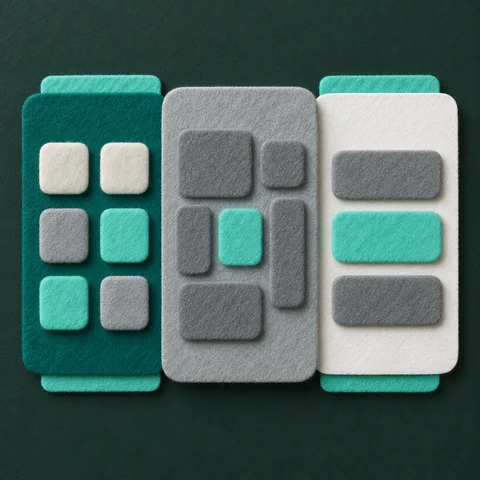
- Dashboards
- Calendar
- Board
- Table
- Saved views
Files and recovery

- Encrypted attachments
- Comments on tasks
- Change history
- Export and import, with documented exclusions
Sign-in and integrations
- Passkeys and TOTP
- Personal access tokens
- HTTP API, iCal feeds and webhooks
- CLI, TUI and MCP
Customization

- Six interface languages including right-to-left Arabic
- Light and dark themes
- Accent colors and shared themes
- Reading size and a high-contrast option
These features are available in the development source. The published alpha release contains a subset.
Run the server yourself
Ditero is self-hosted and open source under the MIT license. You run the server on your own infrastructure, inspect the code and decide who has access. Docker Compose and Helm documentation is available.
Read the deployment guideRead the documentation
Attachments are encrypted, which protects file content. This does not mean all task data is end-to-end encrypted.
Support development
Ditero is free and MIT licensed. There are no paid feature unlocks. Support contributes to the development of the project.